Automated Content Creation: Many Drafts, Then a Fact Check

Key takeaways
- Automated content creation is several similar pages from one saved brief—not fifty unread drafts in one hour.
- Content creation automation is the order: brief, draft, fact check, publish one URL, then the next.
- Draft in GEO Content Writer from the saved brief; edit facts on each page before it goes live.
Automated content creation is drafting several similar pages from one saved brief, then checking facts before each URL goes live. Content creation automation is that order. Automated content generation is the draft step—not a publish button. What automation is, and why it is not email drips, is in content automation. This article is the steps for several similar pages without skipping the check.
| Situation | I’d start here | Skip if |
|---|---|---|
| You have one live page type and need a few more | The steps below | You still needed what automation means |
| You draft in chat with no saved brief | Fill the brief first | You only needed one page this week |
| You publish every draft the same hour | The fact-check step | Legal or medical pages that cannot reuse a brief |
| You wanted AI to skip the check | Check each URL | You already read the facts on the last similar page |
What automated content creation is
Automated content creation means you already published one page of a type. You saved the brief. You list the next similar URLs—three help pages, not fifty titles. You draft each one from that brief. You read the facts. You publish one. Then you start the next.
It is bigger than one page. It is smaller than a year of titles with no dates. Weekly order for a single page is in content creation workflow. Come back here when that page type has gone live once and you need more of the same.
A first try that works is three help pages that share a reader. A first try that fails is twenty titles in a document and no second live URL. Name the next similar pages before you draft. If you cannot name them, you are not ready to automate yet. You still need one live page of that type.
Do not start from a blank chat and skip the brief. Fill the brief first. The form is the content writing brief template.
Content creation automation
Content creation automation is five steps. Do them in order. Do not publish URL four while URL two is still unread.
| Step | Do this |
|---|---|
| 1. Confirm the page type is live | One URL of this type already exists. The brief still names a real reader |
| 2. List the next similar URLs | Three to five. Same reader type. Facts that are still true |
| 3. Draft from the saved brief | Headings and the point in the opening. One page at a time |
| 4. Check facts | Hours, prices, product names, links. Fix what is wrong |
| 5. Publish one, then the next | Live URL first. Do not keep five unread drafts |
The GEO Content Writer takes the saved reader and point so each draft can state what the page is for. Paste facts you can check. Do not let a draft invent a phone number the last page did not have.
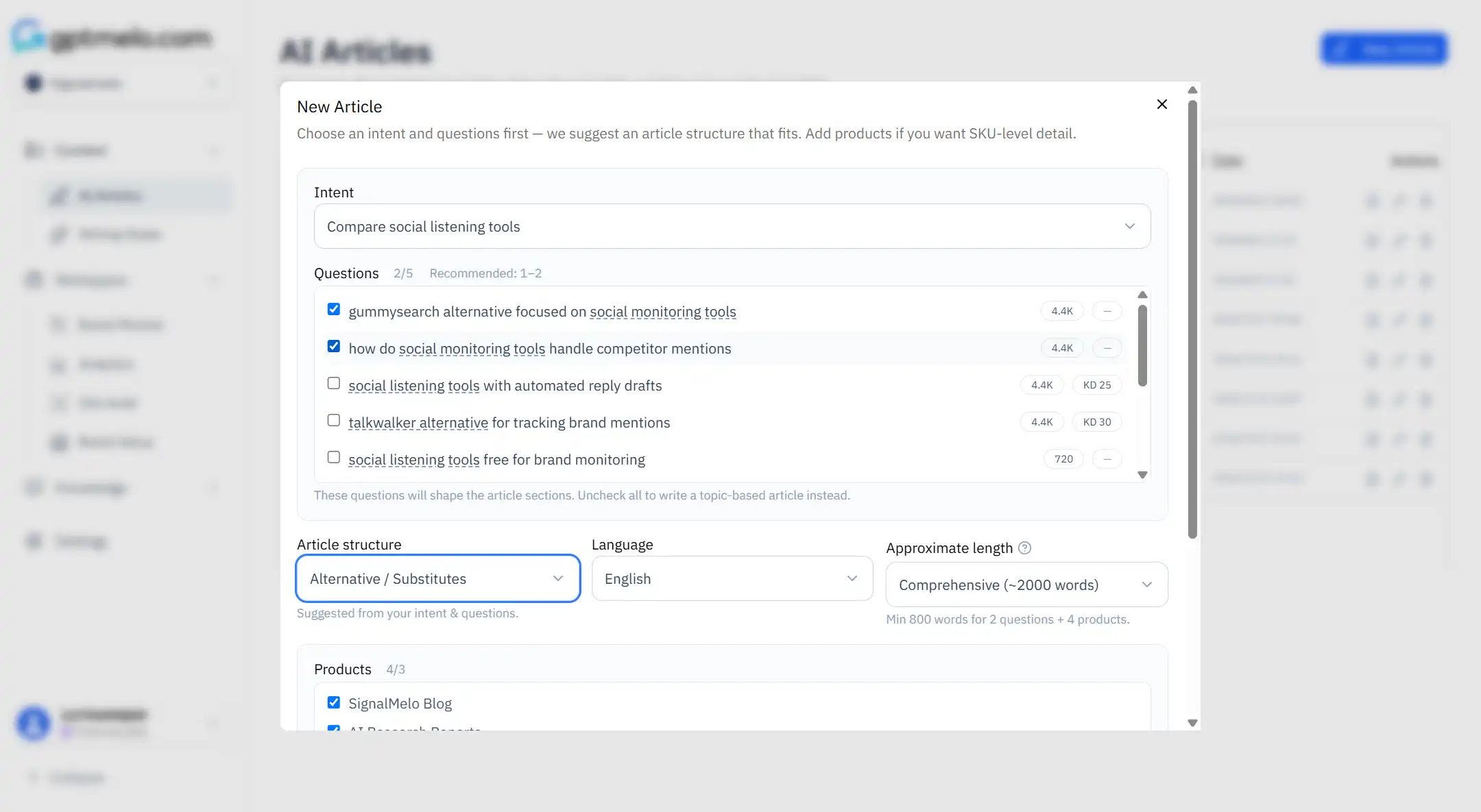
If you outline in chat, still bring the brief. How to outline before you draft is in ChatGPT for content generation. A long chat with five untitled sections is not five pages.
After a page is live, paste the URL into the GEO Content Checker. Look for a point in the opening, headings a person can scan, and text they can read in the browser. Then start the next URL.
Automated content generation
Automated content generation is the draft. AI or a writer fills the page after the brief is filled. It does not choose the reader. It does not check a price you never gave it.
Use an AI draft when the brief is the same and the facts are still true. Skip it when each URL needs a new reader, or when the facts change every time. A pricing page that changes every quarter is a poor page to draft many times. A how-to that stays true for months is a better one.
Tools that only help with an AI draft are in AI-powered content creation tools. Use this article when you needed several similar URLs plus a check on each one. Letting AI draft and publish with no human read is a different task. Picking a platform is a different task.
A notes app full of generated drafts is still notes until each page has a public URL.
Common mistakes
- Publishing every draft the same hour with no fact check
- Starting from a blank chat with no saved brief
- Listing fifty titles instead of three similar URLs
- Treating generation as the same as a live page
- Skipping the live URL check because the chat looked finished
- Expecting this to replace content automation—start there if you still needed what the phrase is
- Buying a suite before three similar pages have gone live
Free check: the second page of the same type
Open gptmelo’s GEO Content Writer. Draft page 2 of the same type — one URL at a time, not five unread drafts. No account required.
1. Fill the form. Topic is that second help or how-to of the type you already published. Brand name and Brand website match page 1 of that type. Open More options only if you need them.
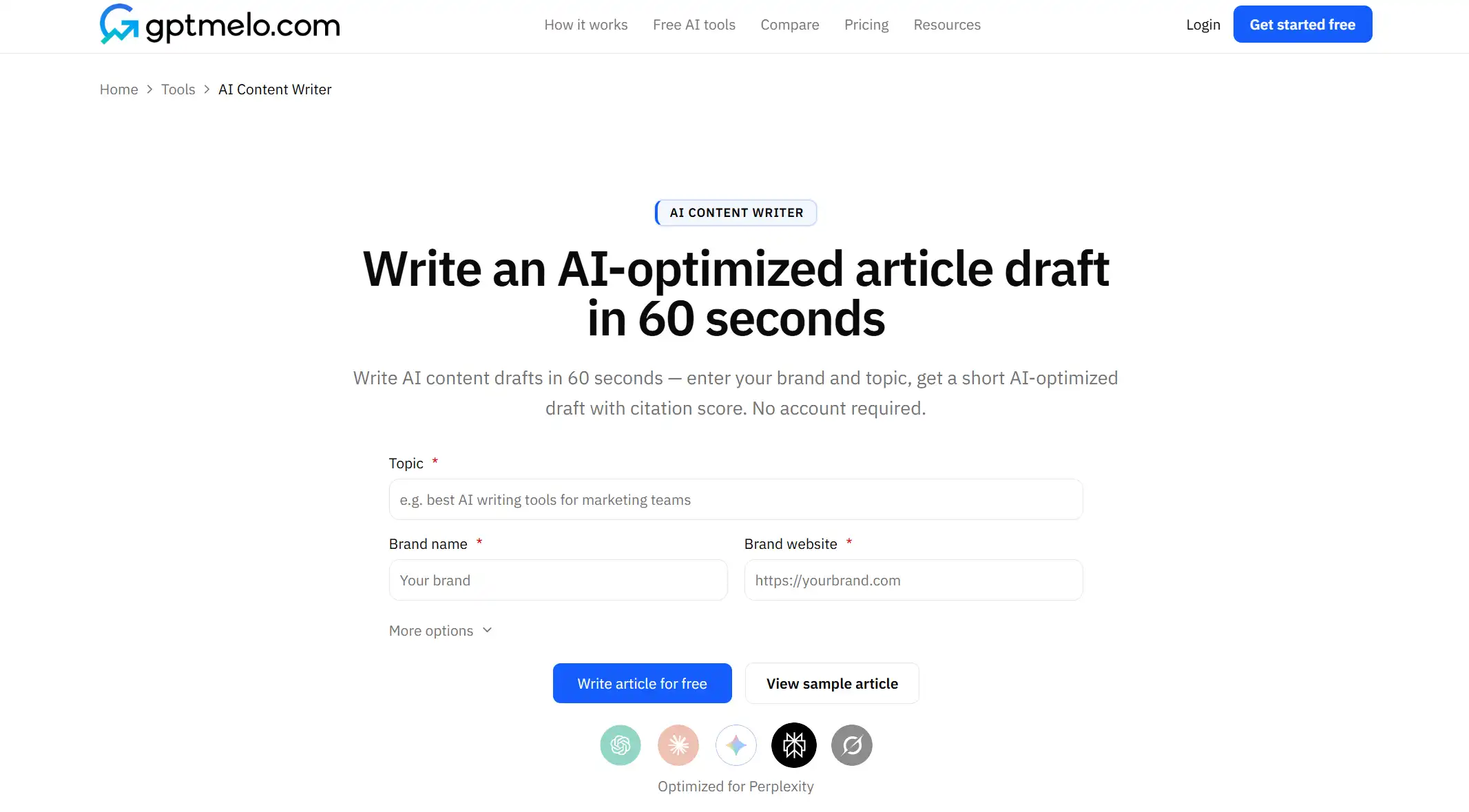
2. Write. Click Write article for free.
3. Read the result. You get a draft next to a GEO content score (Writing, Identity, Cite, Ship). The screenshot is a sample — yours follows Topic. Glance at Identity (does page 2 still name the same brand as page 1). Use Copy HTML or Copy Markdown. The score is not a fact check.
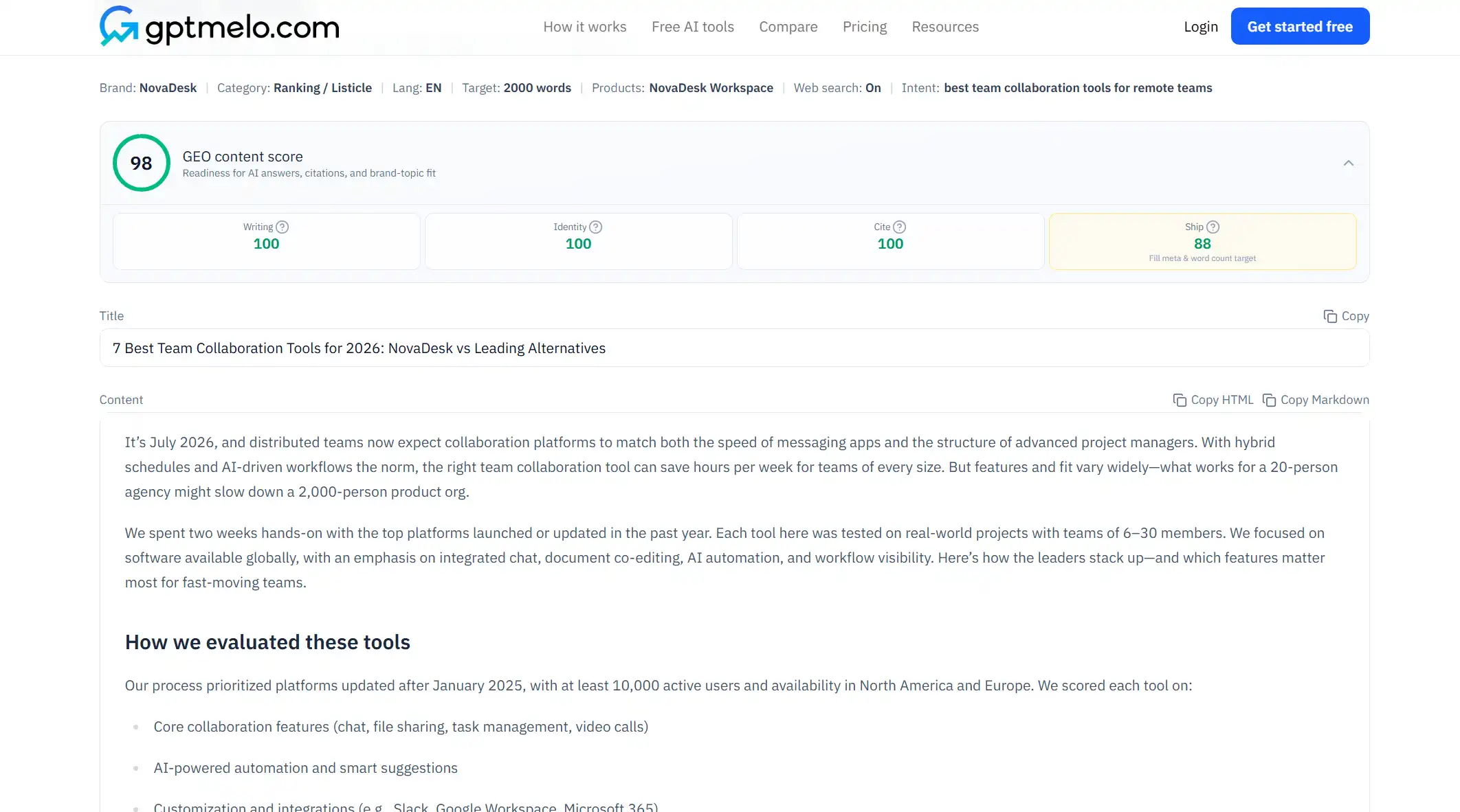
4. Edit, then put it on a URL. Read the draft before anyone else sees it. For a human edit, see edit AI content. Do not treat this window as the live page.
The write-check-publish path is in GEO article writing.
FAQ
What is automated content creation?
Drafting several similar pages from one saved brief, then checking facts before each URL goes live. It is not a button that publishes every chat window the same hour.
What is content creation automation?
The same order every time: reuse the brief, draft the next similar page, check facts, publish, then start the next URL. Skip a step and you have a pile of drafts, not live pages.
What is automated content generation?
Using AI or a writer to draft those pages after the brief is filled. Generation is the draft. You still read hours, prices, and names before publish.
Is automated content creation the same as content automation?
Related. Content automation names the idea: a saved brief for the next similar page. This article shows how to draft several of those pages without skipping the fact check.
Can I publish every automated draft at once?
No. Check one URL, then publish it, then start the next. Five unread drafts are not five live pages.
Do I need AI for automated content creation?
No. AI can draft after the saved brief is filled. You can type the next similar pages yourself. The order does not change.