Schema Markup Validator: Fix JSON-LD Errors Before Publish

Key takeaways
- A schema markup validator catches syntax errors and type mismatches—not missing expertise.
- Fix errors that break parsing before polishing warnings.
- Re-validate after every template or FAQ deploy that touches JSON-LD.
A schema markup validator tells you whether machines can parse the structured data on a URL—and whether the types and fields look coherent. It does not prove the page deserves a rich result or an AI citation. Run validation when JSON-LD ships or changes; fix errors before you argue about which FAQ type to use. Syntax first, strategy second. Ship the repair with the same release that touched the FAQ.
What a schema markup validator checks
Most validators fetch a live page (or accept pasted JSON-LD) and report:
- JSON syntax problems (missing commas, truncated scripts)
- Unknown or invalid
@typevalues - Required properties missing for a type
- Enum / URL / date format issues
- Sometimes multiple blocks that conflict
They usually do not:
- Rewrite weak intros or missing sources
- Prove Google will show a rich result
- Fix crawlers blocked in robots.txt
Treat the report as a repair list, not a marketing score. A green check feels good; a fixed template is what you can ship.
For which types matter for AI search guides, use the schema markup for AI search checklist. This page is how to validate and clear errors. The fuller guide lives on the llms.txt structured data framework.
Validator options by job
| Job | I’d start here | Skip if |
|---|---|---|
| Day-to-day JSON-LD health on any URL | Free structured-data checker (browser) | You only care about Google rich-result eligibility |
| Google search feature eligibility | Google Rich Results Test | The page is not aiming at Google rich results |
| Local CI on raw JSON-LD strings | Schema.org validator / unit tests in the repo | Nobody maintains the test |
Use more than one when Google eligibility and general schema.org health disagree—common on FAQ and Product pages.
Step 1: Inventory blocks on the live URL
Open the priority page. View source or DevTools → search for application/ld+json. Note:
- How many script blocks exist
- Which
@typevalues appear - Whether a plugin and the theme both emit Article
Write one fix list per template, not one ticket per URL.
Step 2: Run a structured data checker
Paste the live URL into gptmelo’s Structured Data Checker. Read errors before warnings.
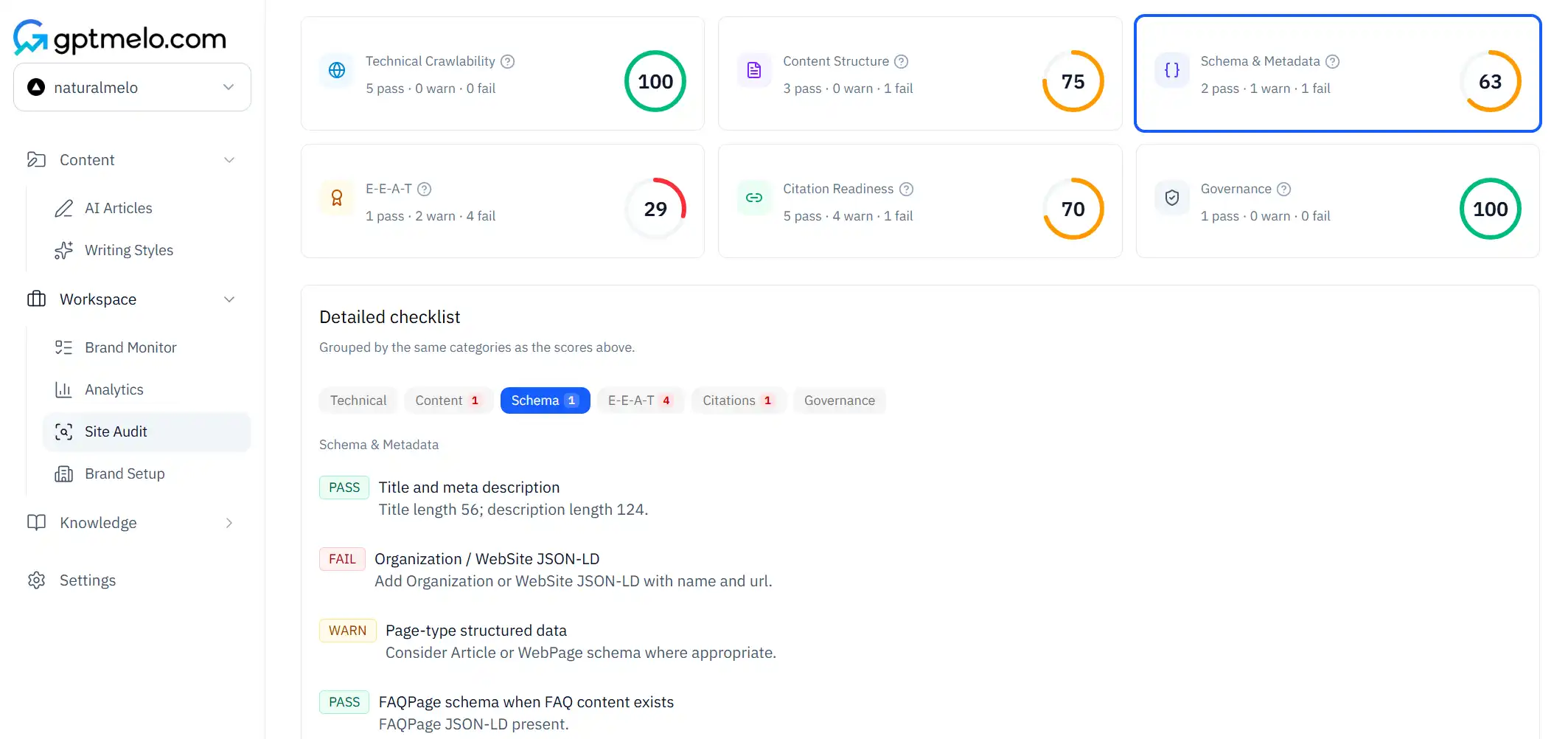
Typical error classes:
| Signal | What it usually means | First fix |
|---|---|---|
| Unparseable JSON | Truncated script or smart quotes from a CMS | Repair JSON; re-publish the template |
| Missing required field | Type expects name, itemListElement, etc. | Add the field or drop the type |
| Invalid type / enum | Typo or outdated schema.org term | Align with current docs for that type |
| Duplicate / conflicting blocks | Theme + plugin both emit Article | Keep one source of truth per template |
Screenshots of the fail help engineering more than “schema is broken.”
Step 3: Match markup to visible copy
A green syntax report can still be wrong for readers and for AI systems:
- FAQ answers in JSON-LD that never appear in HTML
- HowTo steps that do not match the numbered list on the page
- Product prices that disagree with the pricing table
Validators that only check schema.org shapes will not catch every mismatch. Compare side by side. Quotable HTML still comes from structure content for AI search—markup cannot invent the blocks.
Step 4: Re-check after the deploy
CMS FAQ edits often update the accordion and forget JSON-LD. After merge:
- Hard-refresh the live URL (or purge CDN)
- Re-run the structured data checker
- If you care about Google features, run Rich Results Test on the same URL
Fold schema health into a wider crawl review with the GEO site audit workflow when leadership wants one backlog—see also GEO audit.
Errors vs warnings vs “valid but useless”
Errors — fix before publish when they break parsing or required fields.
Warnings — triage; some are nice-to-have properties, some predict rich-result misses.
Valid but useless — perfect JSON-LD for content the page does not show, or Product markup on a blog essay. Delete or correct the type; do not celebrate the green check.
Make validation part of the release
Add a one-line checklist item to FAQ and template PRs: “Live URL passes structured data check.” Same habit as linting copy.
When the same error repeats across dozens of URLs, fix the theme or plugin—not one page at a time. Keep a reference URL that already passes so reviewers can compare side by side.
If schema is clean but citations still miss, the gap is usually crawl access or quotable HTML—not another validator brand.
Common mistakes
- Validating staging while production still serves stale JSON-LD
- Fixing warnings first while errors leave the block unreadable
- Shipping FAQ schema for answers that exist only in the script tag
- Letting two plugins emit competing Article blocks
- Skipping a re-check after the next CMS deploy
- Treating a green check as proof the page will earn rich results or AI citations
Free check: errors before you publish
Open gptmelo’s Structured Data Checker. Paste the URL about to ship — the candidate you will publish, not last week’s staging copy. No account required.
1. Fill the form. Paste that live URL (production, not staging).
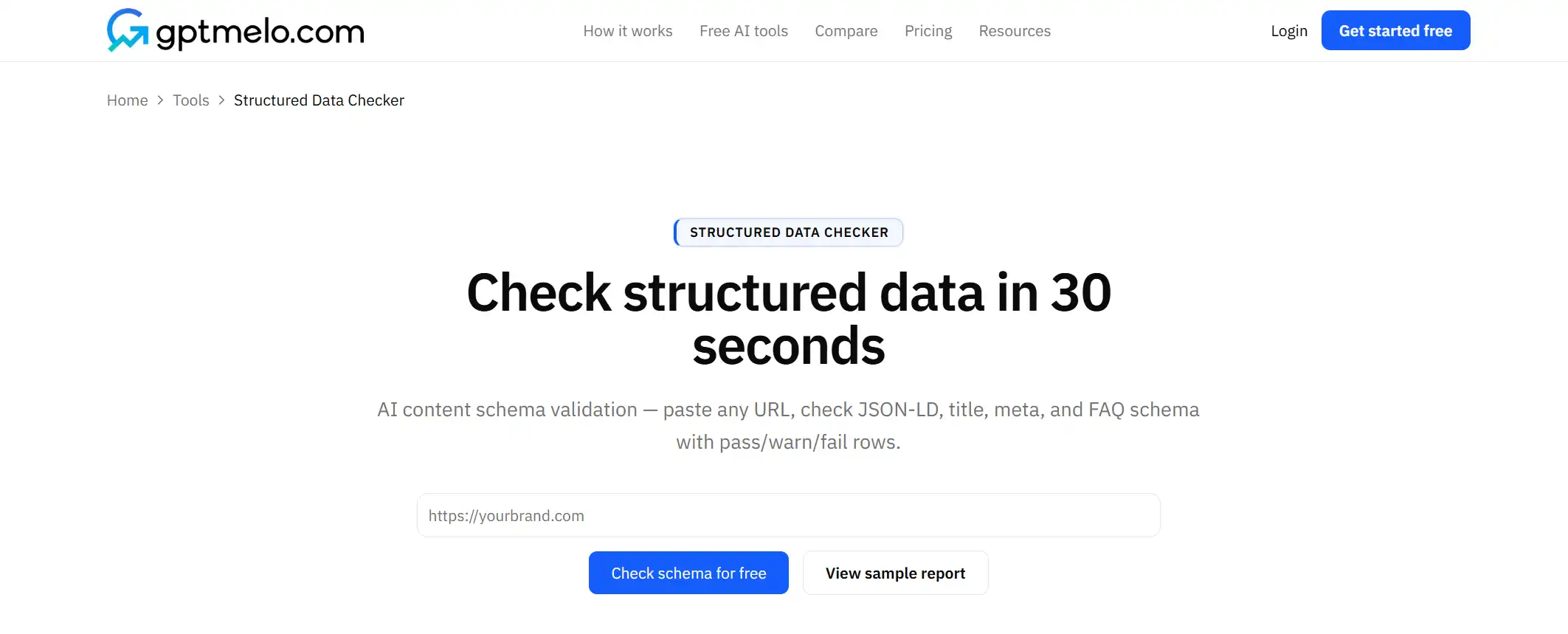
2. Check. Click Check schema for free.
3. Read the result. You get title/meta checks plus JSON-LD types and pass/warn/fail rows. The screenshot is a sample — yours follows the URL you pasted. Glance at errors on the URL about to ship. Markup that does not match visible copy still fails the job.
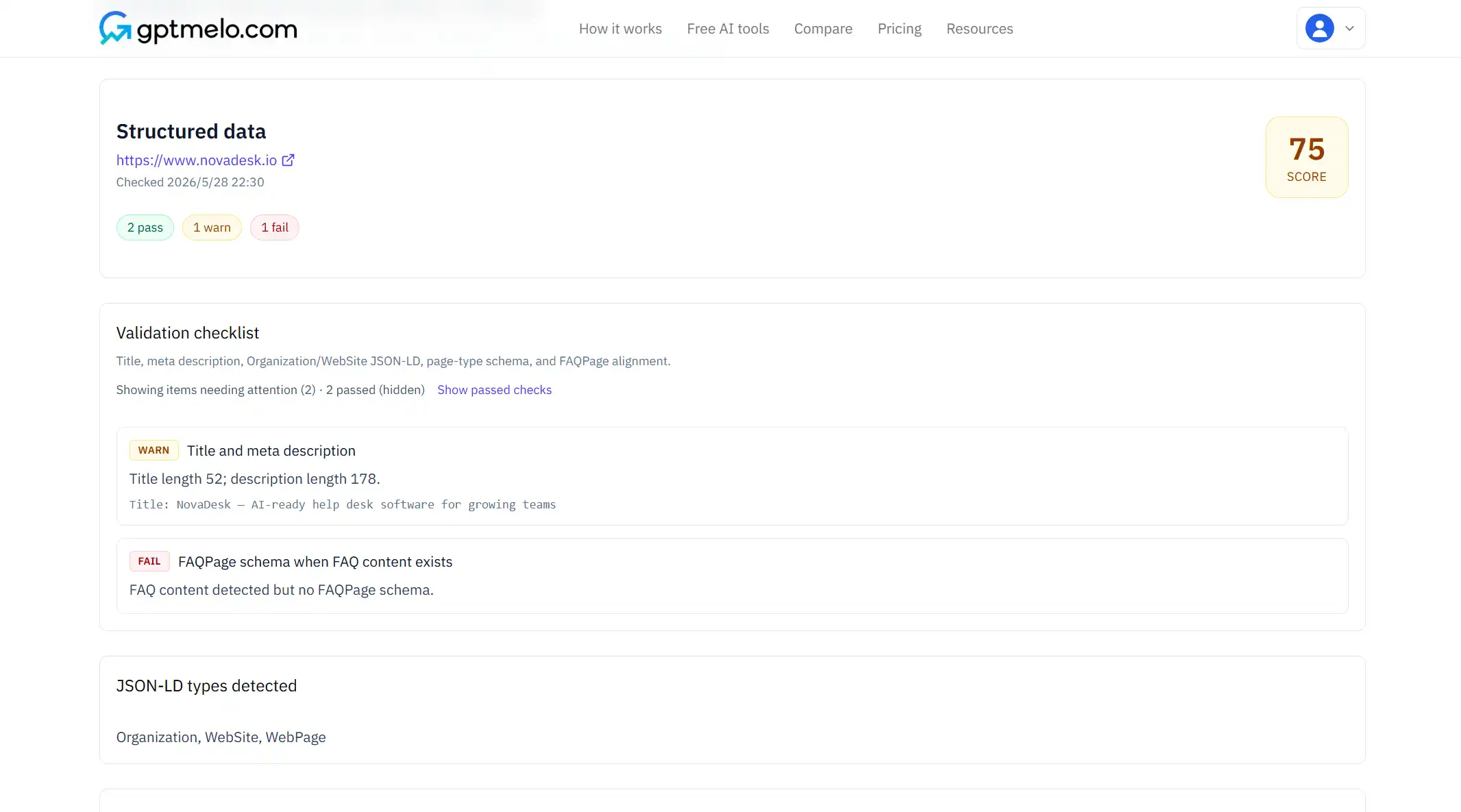
4. Fix the live HTML, then check again. Edit JSON-LD and on-page copy together. Do not treat this window as the page.
FAQ
What is a schema markup validator?
A tool that reads JSON-LD or microdata on a URL and reports syntax errors, invalid types, and fields that do not match expected schema.org shapes.
Which schema markup validator should I use?
Use a free structured-data checker on your live URL for day-to-day fixes; Google Rich Results Test helps when you care about Google search features specifically.
Why does my schema validate but rich results still fail?
Valid JSON-LD can still miss Google eligibility rules or disagree with visible page content—fix mismatches and eligibility, not only syntax.