Structure Content for AI Search: Blocks Models Can Quote

Key takeaways
- One claim per H2, then a list or table—not a wall of prose.
- FAQ and schema must match visible HTML.
- Re-check after CMS template changes.
What does it mean to structure content for AI search? Put one clear claim under each H2, support it immediately with a list or table, and keep FAQ answers in HTML that matches your schema. Models quote blocks—not filler. This page is the structure playbook; the fuller optimization system sits in AI content optimization.
What “structure for AI search” means
AI search features and assistants chunk pages into small passages. A buried answer in paragraph four rarely ships. A numbered list under a plain H2 often does.
Structure is not a synonym for keyword density. It is:
- Real headings (H2/H3), not bold pseudo-titles
- An answer early in each major section
- Scannable support (list or table) after the claim
- FAQ and schema that agree with visible copy
The evergreen template rules live in the structure for AI search resource; keep this article as the hands-on pattern.
Pattern: claim → block → source
Repeat this inside every major section:
- Claim — one sentence you would want quoted
- Block — bullets, numbered steps, or a complete table
- Source — named attribution when you state a fact or number
Example transformation:
Before: A 180-word paragraph mixing benefits, features, and a vague percentage.
After: One benefit sentence. Five feature bullets. One line with a named source—or no percentage.
Writers can draft the claim first in an outline, then fill the block—do not write the essay and hope a list appears later. If a section has no claim worth quoting, cut the section or merge it. Thin sections without a quotable claim still waste crawl and attention.
Choose the block by query type
| Query type | Prefer | Avoid |
|---|---|---|
| What is / definition | 40–60 word paragraph | Metaphor-only openers |
| How to / steps | Numbered verbs | Narrative without actions |
| List / types | Parallel bullets | Uneven essay bullets |
| Vs / pricing | Table with full cells | Empty or “varies” cells |
Do not force one format on every URL. Match the block to the question the H2 answers.
Headings that survive extraction
H2 titles should name the job in plain language—words a reader would say out loud. Put caveats in the first sentence under the heading, not in parenthetical asides in the H2 itself.
Weak H2: “Overview” / “Introduction” / “More details”
Stronger: “Write the intro as the answer” / “Match FAQ schema to HTML”
FAQ HTML and schema must agree
FAQ sections are high-value extraction targets when:
- Questions use real headings or explicit FAQ labels
- Answers appear in the DOM without a click
- FAQ schema matches the visible answer on factual claims
After a CMS update, schema often drifts. Validate with a structured data check when markup changes—see Schema markup for AI search for the checklist. Fix template markup once; do not hand-edit hundreds of pages forever.
CMS components that help or hurt
| Component | Helps when | Hurts when |
|---|---|---|
| Rich text with H2/H3 | Editors use real headings | Everything is bold fake headings |
| Reusable FAQ block | Renders HTML + schema together | FAQ only in a JS widget |
| Table block | Complete cells, header row | Merged empty cells |
| Accordion | Extra detail below a plain answer | The only copy of the answer |
| Pull quote | Highlights one citable sentence | Replaces the intro answer |
Re-run a structure check on one page per template after theme changes—before bulk migration.
Score the structure before you scale
Paste the URL or draft into gptmelo’s GEO Content Checker. Typical fails:
- Intro never answers the query
- Mid-page walls of text without lists
- Tables with empty cells
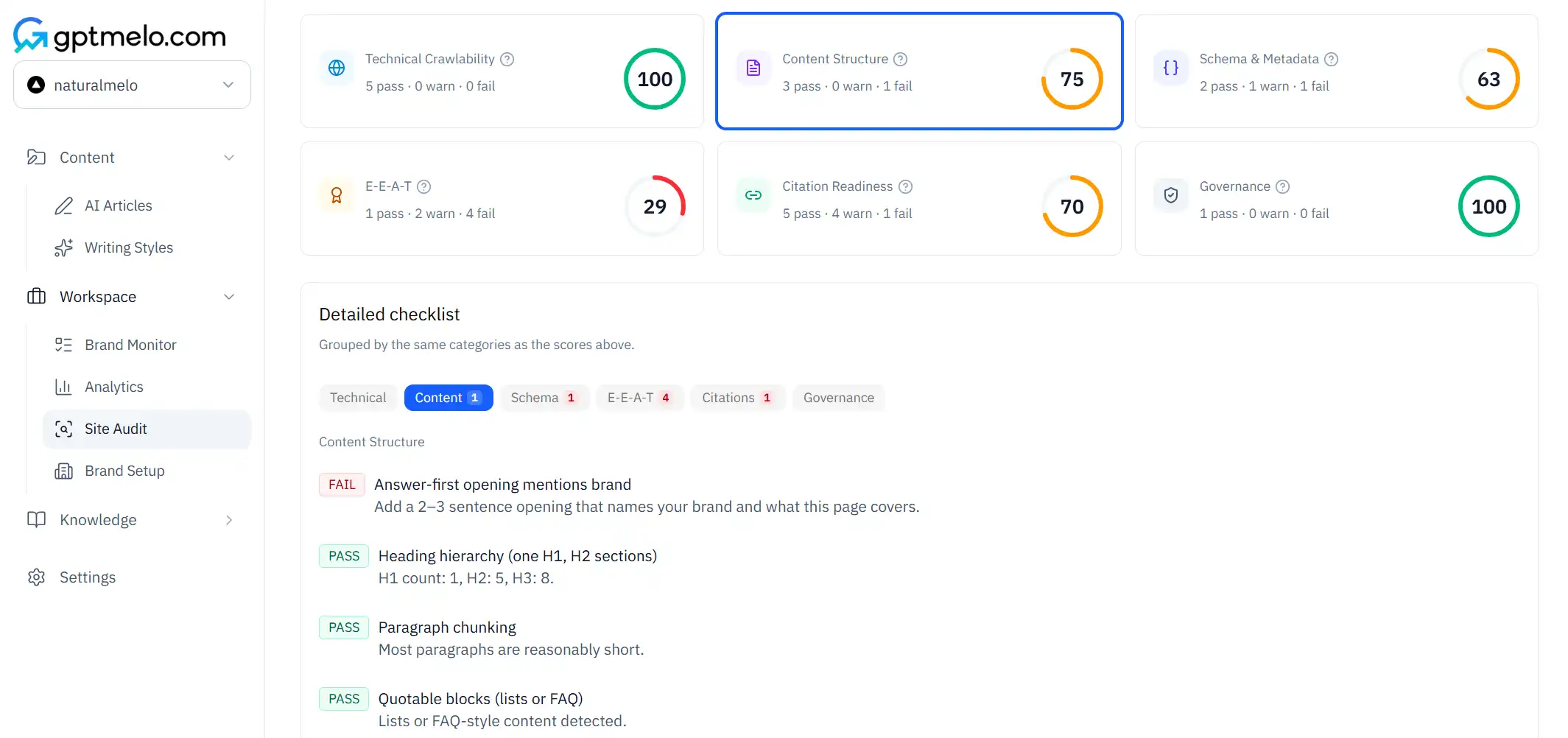
Fix the biggest gaps first, re-run, then document the required blocks in your CMS so the next editor does not guess.
Roll the pattern without a rewrite marathon
Pick the URL type that drives revenue or tickets—product detail, comparison, glossary. Optimize that template until the checker passes. Write the required blocks into the CMS (intro answer, list or table, source line, FAQ HTML). Only then clone the pattern. Editors spend time on facts and examples, not re-learning structure rules per article.
If engineering ships a theme change, schedule the re-check in the same ticket. Structure regressions love to hide inside “design polish” releases.
Common mistakes
- One H2 wrapping three unrelated claims with no list break.
- FAQ answers trapped in JavaScript with no HTML fallback.
- Schema updated after a pricing change while the body still shows the old number.
- Pseudo-headings (bold lines) that look like structure to humans and noise to parsers.
- Scaling a broken template to hundreds of URLs before one page passes.
- Measuring “structured” by word count instead of claim → block → source.
Free check: blocks a model can quote
Open the GEO Content Checker. Paste a template with lists or tables — the pattern you will clone, not a wall of prose. No account required.
1. Fill the form. Keep From URL selected and paste that live page. Switch to Paste content only if fetch is blocked.
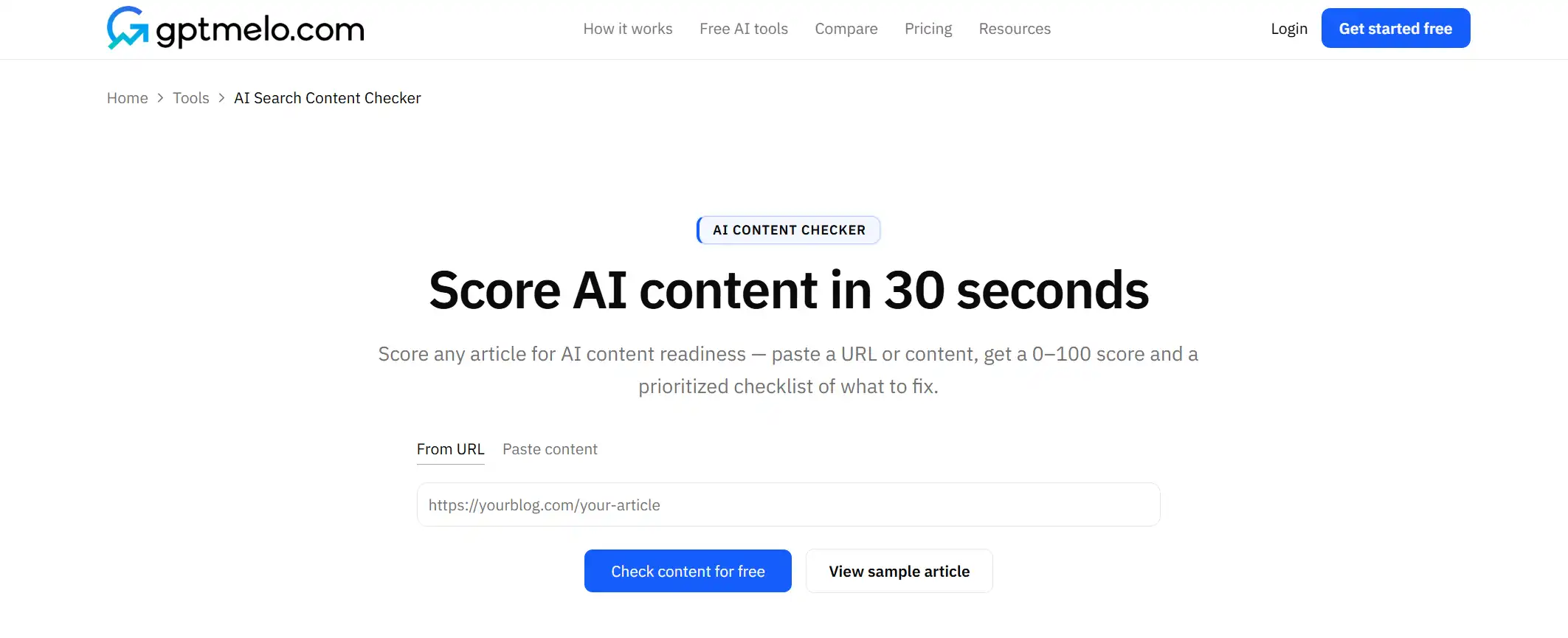
2. Check. Click Check content for free.
3. Read the result. You get a score plus pass/warn/fail rows (topic clarity, brand fit, readability, structure, quotable blocks). The screenshot is a sample — yours follows the URL you pasted. Glance at quotable blocks on that template. The score is not a ranking guarantee.
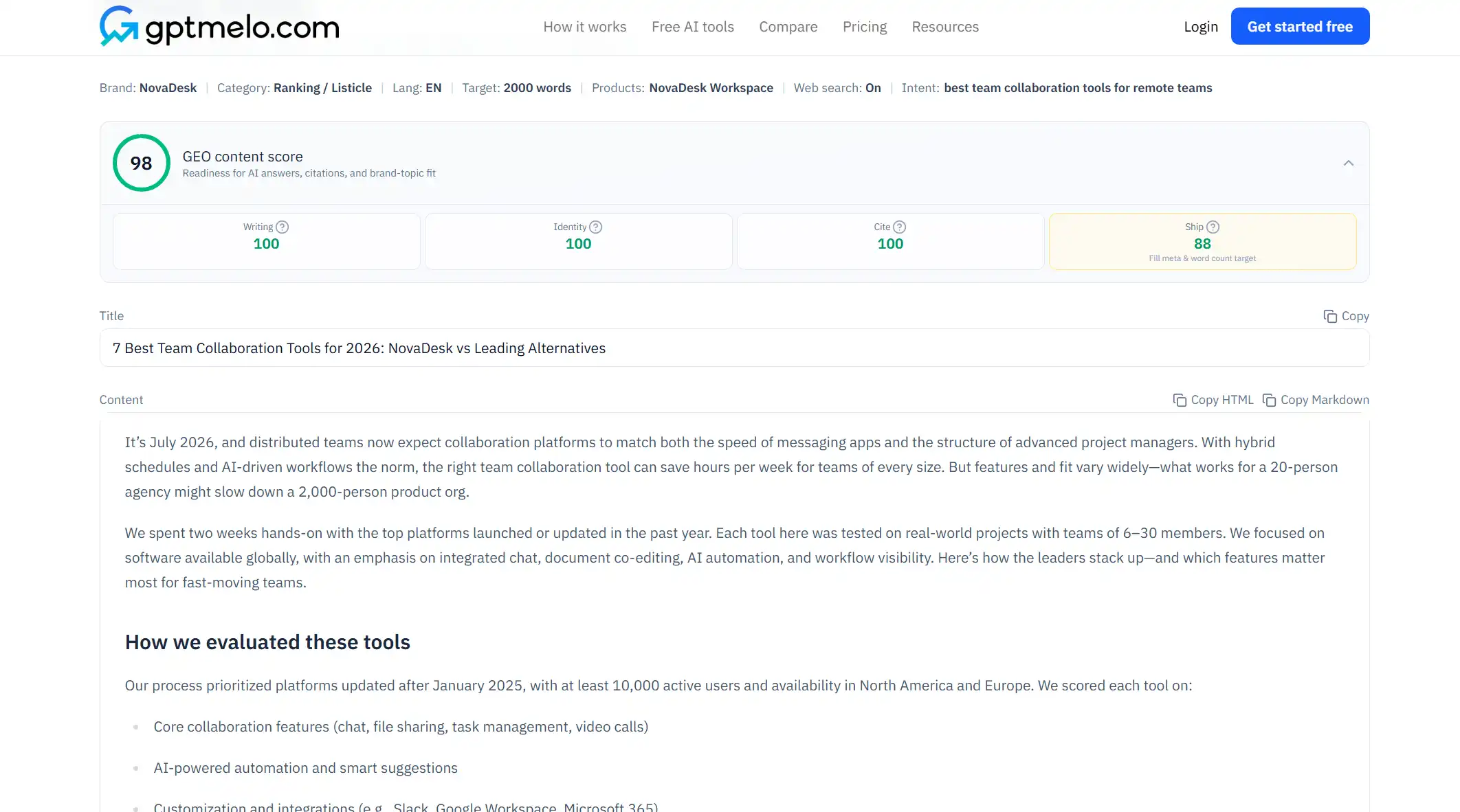
4. Fix the live page, then check again. Edit the HTML people and models actually fetch. Do not treat this window as the page.
FAQ
How should I structure content for AI search?
Open with a direct answer, use real H2/H3 headings, add lists or tables after claims, and keep FAQ text in the HTML.
Do AI search engines prefer lists or paragraphs?
Lists and tables win for how-to and comparison queries; short definition paragraphs win for what-is queries.
Where should FAQ content live?
In visible HTML that matches FAQ schema—not only inside JavaScript accordions.