Schema Markup for AI Search: JSON-LD Checklist

Key takeaways
- Schema must mirror visible content—no invisible FAQ spam.
- Validate JSON-LD after template changes.
- FAQ schema helps when answers are concise on-page.
Schema markup without matching HTML is noise. JSON-LD that repeats the FAQ or HowTo already on the page helps search engines and AI systems understand intent; schema that invents answers you never published does not earn citations—and can look like spam.
What schema markup does for AI search
Schema (usually JSON-LD in a <script type="application/ld+json"> block) tells machines the type of content and key fields: questions, steps, author, product offers. Google documents supported types in Search Central; AI systems that crawl HTML often use the same structured hints when they align with visible text.
Schema does not:
- Replace a clear intro, lists, or sourced stats (AI content optimization)
- Fix blocked crawlers (GPTBot robots.txt)
- Guarantee rankings or ChatGPT quotes
It does reduce ambiguity when FAQ answers, HowTo steps, or Article metadata match what the reader sees. The fuller framework sits on the llms.txt structured data resource; this guide is the checklist and how to validate markup.
Types that matter most for guides
| Type | Use when | Skip when |
|---|---|---|
| FAQPage | Visible Q&A on the page | FAQ exists only in schema |
| HowTo | Numbered steps the reader can follow | Marketing fluff with no real steps |
| Article / BlogPosting | Authored guides with headline, date, author | Thin category hubs |
| Product | True product/SKU page | Comparison essays stuffed with Product markup |
| Organization | Sitewide identity (often in the layout) | Per-article Organization that contradicts About |
Pick formats that match AI-friendly content types—lists, steps, and FAQs—before you encode them as JSON-LD.
Rule one: markup must match the page
Every Question / acceptedAnswer string should appear (or paraphrase tightly) in the HTML. Same for HowTo steps and Product prices.
Bad patterns:
- FAQ schema with six invented Q&As while the page shows two
- HowTo schema for a narrative essay with no steps
- Offer prices in JSON-LD that differ from the pricing table
If marketing edits FAQ copy in the CMS, schema must update in the same release—or you ship a mismatch every deploy.
Step 1: Inventory what you already emit
View source (or DevTools) on a priority URL. Find application/ld+json blocks. Note @type values and whether fields mirror the visible page.
Common CMS issues:
- Theme injects Article + BreadcrumbList; plugins add a second Article
- Stale FAQ JSON left after the accordion was removed
- Product markup on blog posts from a shared footer component
Write down one fix list per template, not one ticket per URL.
Step 2: Add or fix the type that matches the page
FAQPage example:
{
  "@context": "https://schema.org",
  "@type": "FAQPage",
  "mainEntity": [{
    "@type": "Question",
    "name": "Does schema help AI citations?",
    "acceptedAnswer": {
      "@type": "Answer",
      "text": "It clarifies intent when on-page content already matches."
    }
  }]
}
Use your real questions and answers—copy from the rendered FAQ, not from a wish list.
HowTo: only if the page has ordered steps a human can execute. Article: include headline, datePublished, author that match the byline. Pair author fields with real bios (EEAT checker) so trust and markup stay aligned.
Step 3: Validate with a structured-data checker
Paste the live URL into gptmelo’s Structured Data Checker. Fix:
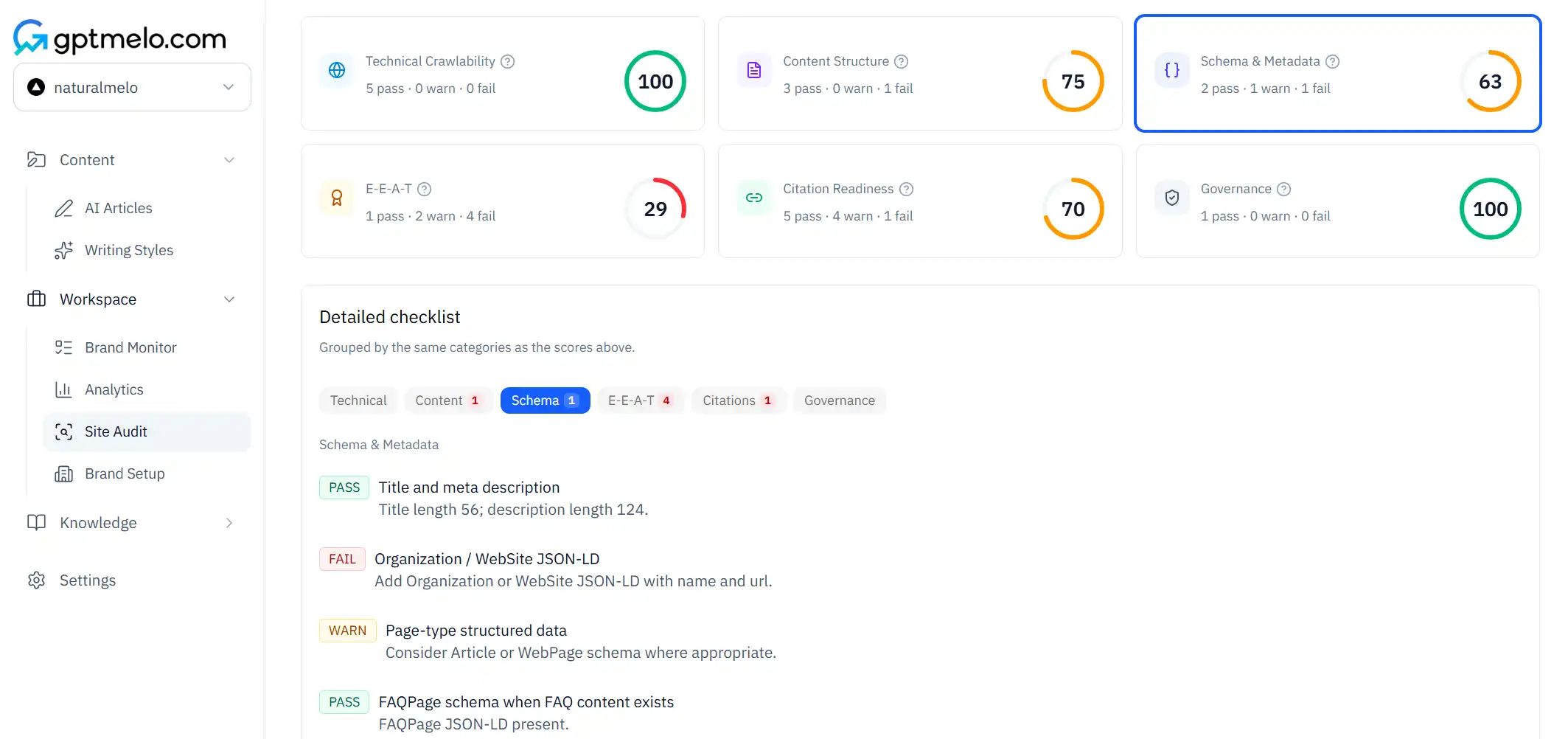
- Parse errors (trailing commas, unescaped quotes)
- Missing required fields for the type you chose
- Content that does not match visible HTML
Re-check after CMS or theme deploys. Schema regressions are quiet—pages still look fine in the browser.
Google’s Rich Results Test is useful for Google-specific eligibility; use it as a second check, not a substitute for matching your own HTML.
Step 4: Keep schema in the same release as content
Assign an owner:
- Marketing changes FAQ copy → engineering or CMS auto-updates JSON-LD in the same PR
- Template redesign → validate three sample URLs before full rollout
- Pricing changes → Product/Offer fields update with the table
When leadership wants a crawl and structure review, pair schema health with the GEO site audit workflow.
Schema vs llms.txt vs robots.txt
| Layer | Job |
|---|---|
| JSON-LD | Typed facts about this page |
| llms.txt | Curated site index for AI crawlers (llms.txt guide) |
| robots.txt | Allow or block crawler paths |
Schema on a Disallowed URL helps no one. Fix crawl access first, then markup, then optional llms.txt entries.
From draft to publish
- Choose the content format — FAQ, steps, or article body that models can quote.
- Write visible HTML first — answers and steps on the page.
- Add matching JSON-LD — same strings, same prices, same dates.
- Validate on the Structured Data Checker from Step 3 (and optionally Google’s test).
- Set the CMS so content edits refresh schema.
- Spot-check two more URLs from the same template after deploy.
Skipping step 2 is how teams ship beautiful schema over empty sections.
Common mistakes
- Invisible FAQ spam (schema-only Q&A).
- Product markup on every blog post “for rich results.”
- Duplicate Article blocks from theme + plugin.
- Prices or dates in JSON-LD that disagree with the hero.
- Validating once at launch and never after template changes.
- Expecting schema to fix weak intros or missing sources.
Free check: JSON-LD for AI search
Open gptmelo’s Structured Data Checker. Paste a live article or FAQ URL — a page you want typed for AI search, not a homepage dump. No account required.
1. Fill the form. Paste that live URL (production, not staging).
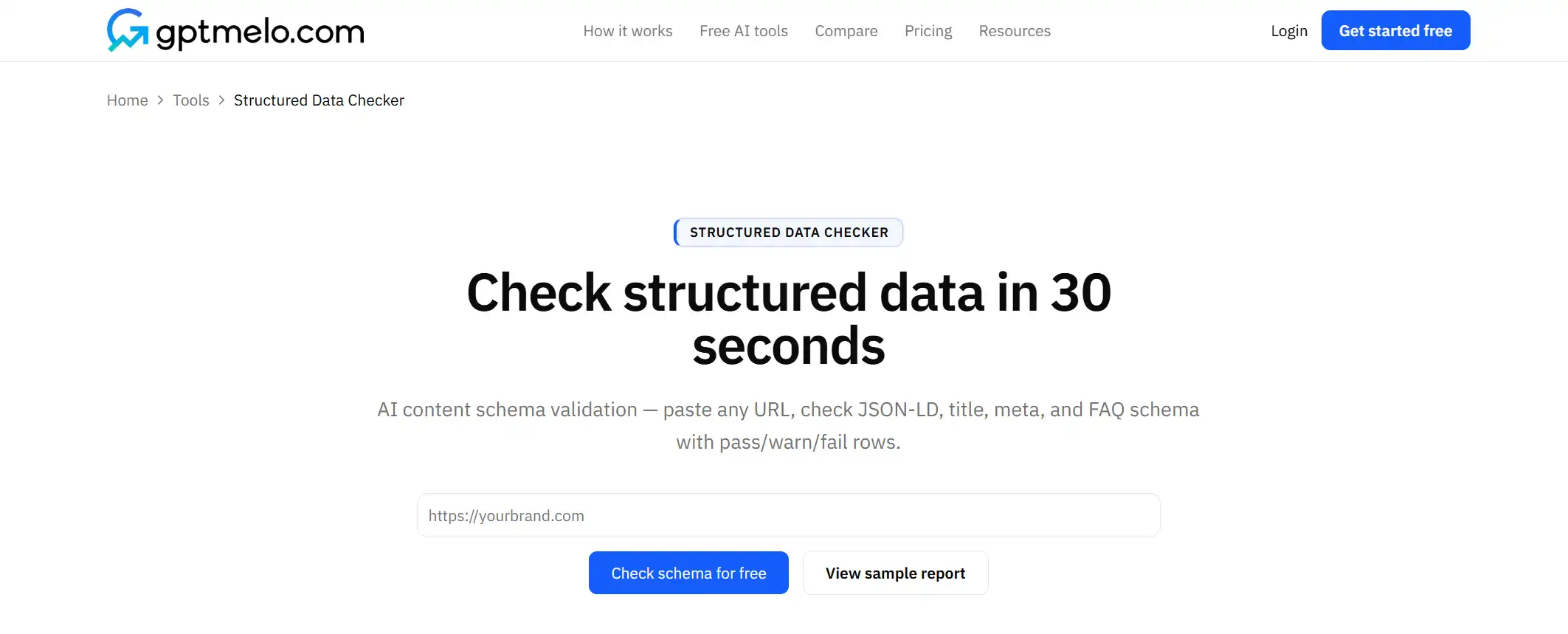
2. Check. Click Check schema for free.
3. Read the result. You get title/meta checks plus JSON-LD types and pass/warn/fail rows. The screenshot is a sample — yours follows the URL you pasted. Glance at Article/FAQ types. Markup that does not match visible copy still fails the job.
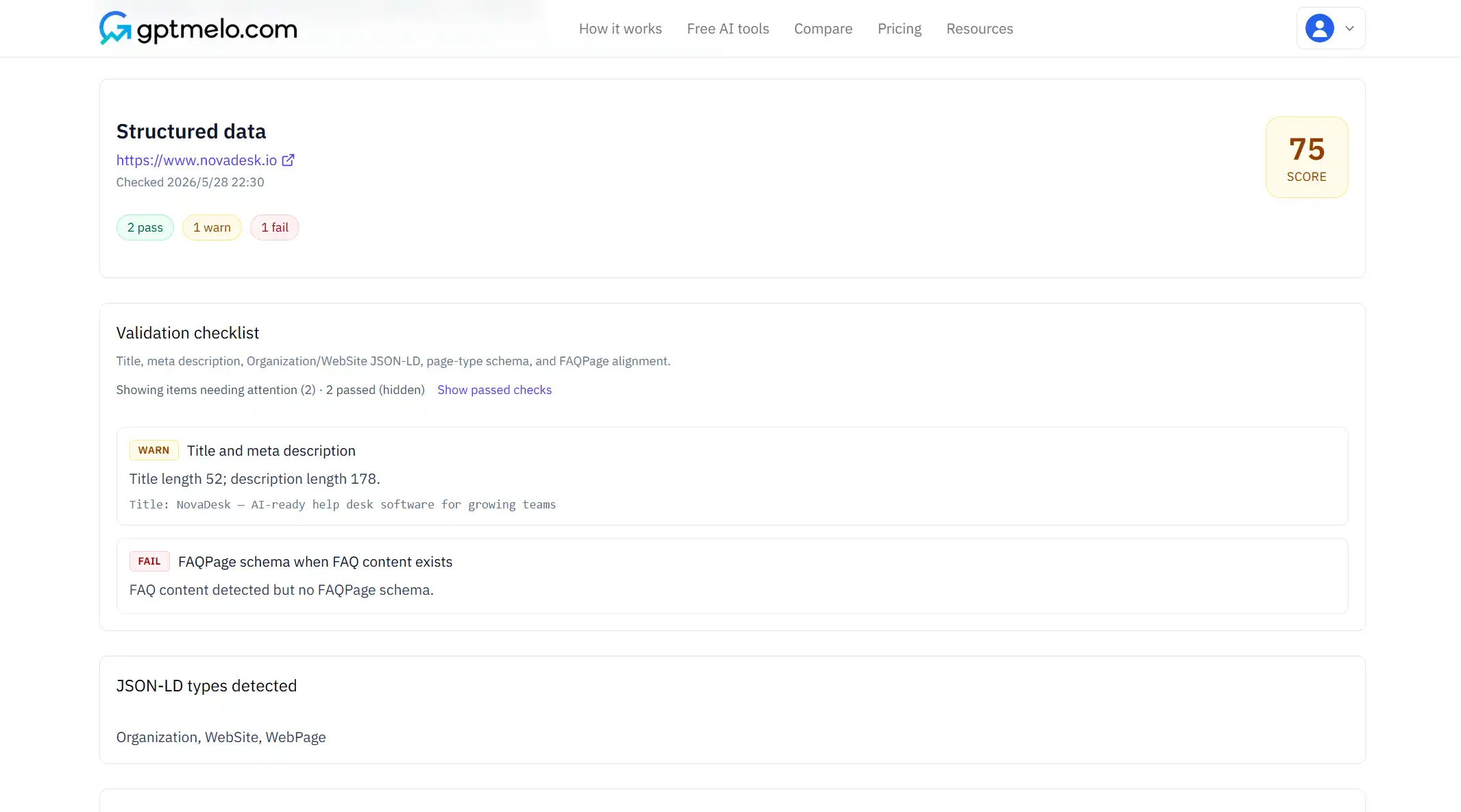
4. Fix the live HTML, then check again. Edit JSON-LD and on-page copy together. Do not treat this window as the page.
FAQ
Does schema help AI citations?
It clarifies page intent when the on-page content already matches—schema alone does not fix weak copy.
Which schema types matter most?
FAQ, HowTo, and Article for guides; Product only when the page is truly about a product.
How do I test schema?
Paste the live URL into a structured-data checker, fix errors and mismatches, then re-check after CMS deploys.