Content Writing Brief Template: Fill This Before You Draft
Key takeaways
- A content writing brief template is the lines you fill before a draft: reader, point, format, proof, and facts to include.
- It is not a blog post outline and not a fifty-field form. Fill it, then write.
- Paste the filled brief into GEO Content Writer; edit facts before you publish.
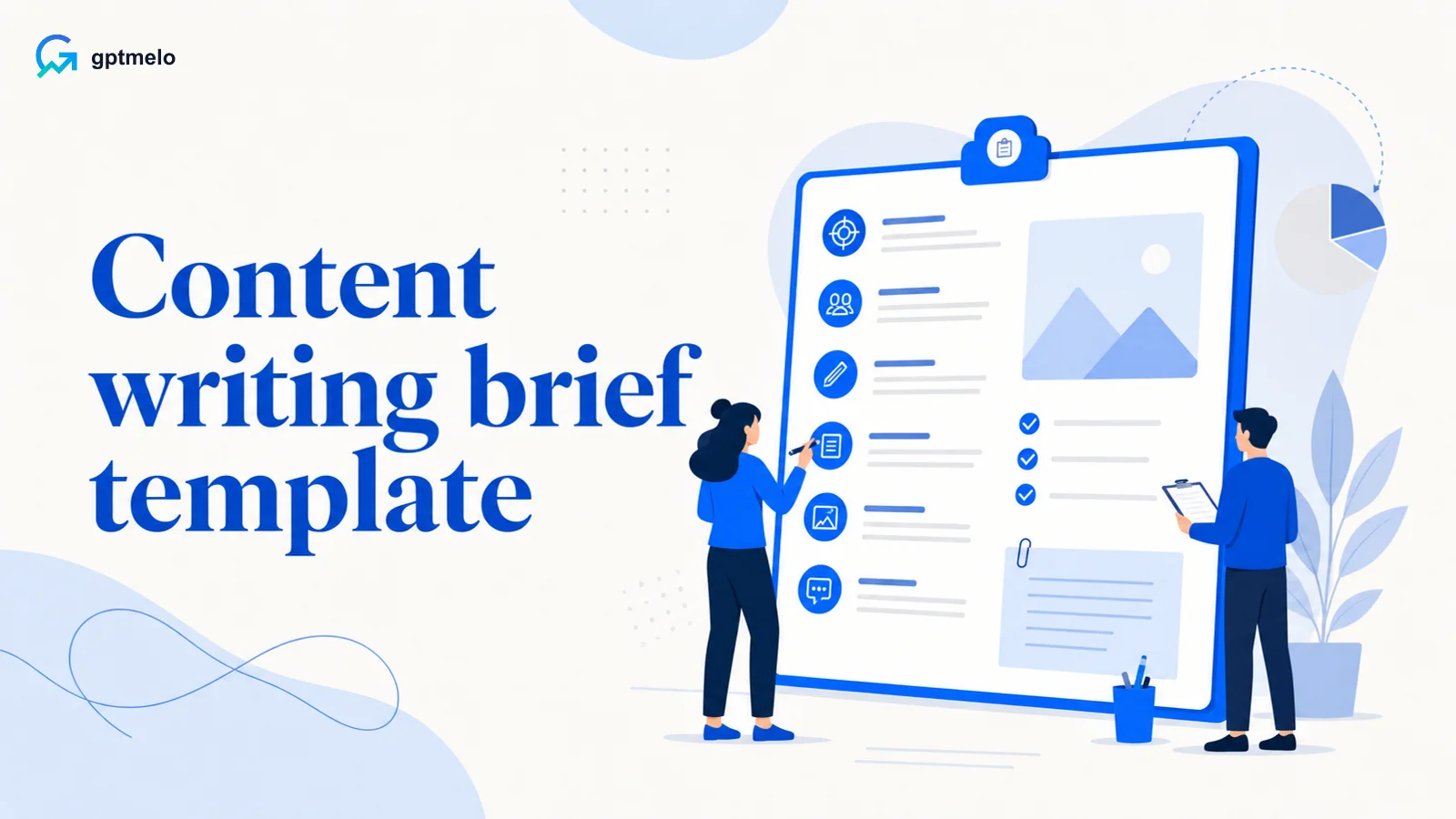
A content writing brief template is the page you fill before you write: who it is for, what they should be able to do or know, what format you will use, and what proof you will include. It is not a list of tips, and it is not a blog post outline. Fill every line. Then write.
| If this is you | I’d start here | Skip if |
|---|---|---|
| You are about to draft today | Fill the template, then write | You wanted a heading outline for a blog post |
| You are handing the piece to a teammate or ChatGPT | Fill every line first | You send “write content” with blanks |
| You still need tips, not a form | Content writing tips first | You already named the reader and the point |
| The piece is only a click or a trial | Copy vs content first | You only needed a button label |
What a content writing brief is
A brief is a short creative brief for one piece. It answers four questions so the opening can state the point:
- Who is this for?
- What can they do or know when they finish?
- What format will they scan (help steps, explainer, email, article)?
- What proof will you include (steps, an example, a source)?
What content writing means is in what is content writing. Tips that finish a piece are in content writing tips. This article is the form you fill before you draft.
If the outcome is only a click, stop. That is copywriting. The difference is in copywriting vs content writing.
Content writing brief template
Copy this table. Replace the “Write this” column with your sentences. Do not leave a line blank.
| Line | Write this |
|---|---|
| Reader | One person, in one sentence |
| Point | What they can do or know when they finish |
| Format | Help steps, explainer, educational email, or article |
| Proof | Steps, one example, or a source for any number they might act on |
| Facts to include | Names, limits, or clicks that must appear—sourced or deleted |
| Do not do | Ad, school essay, keyword list, or “write for everyone” |
That is the whole template. A longer form with funnel stages and keyword lists is optional if your team needs one. It does not replace these lines.
How to fill each line
Reader. Name one person. “A teammate who must export last month’s CSV before Friday” works. “Anyone interested in our product” does not.
Point. Write the result, not the topic. “They can export the file without asking an admin” works. “Collaboration” does not.
Format. Pick one. Help docs take numbered steps. Explainers take a definition then an example. Emails take one change. Articles take a title, a point in paragraph one, and headings. How to write a full article is in article writing. If that article has to rank, use article writing for SEO. For SaaS help vs buyer pages, see SaaS content writing.
Proof. If they might act on a number, give a source or delete the number. If the format is a how-to, the steps are the proof.
Facts to include. List the clicks, plan limits, or names that must appear. If you do not have them yet, get them before you draft.
Do not do. Name what you will skip: an ad under a how-to, a homework prompt, or a keyword list with no reader.
If you draft in ChatGPT, paste the filled table first. Outline-first prompts are in ChatGPT for content generation.
A filled example
| Line | Filled |
|---|---|
| Reader | A teammate who has to export last month’s report to CSV before Friday |
| Point | They can export the file in three clicks and know what to do if the button is gray |
| Format | Help steps |
| Proof | Numbered clicks; one line for missing permission |
| Facts to include | Path: Reports → last month → CSV. Gray button means they are not an admin |
| Do not do | Do not open with company history. Do not end with Start free trial and no steps |
The draft that follows should put the clicks first, then the line for when a step fails. For a human edit after a model draft, see edit AI content.
What this template is not
Skip this form (and this method) when you needed:
- A blog post outline (title, headings, ending)—that is a different template
- A fifty-field agency form (funnel, personas, keyword list) before anyone can name a reader
- A slogan or a trial button with no useful page
- A school essay prompt
Fill the brief. Then outline. Then draft. Do not start with headings before you can name the reader.
Common mistakes
- Starting the body with blank brief lines
- Filling Format as “blog” when you needed help steps
- Listing keywords instead of a reader and a point
- Handing ChatGPT an empty “write content” prompt
- Treating the brief as a blog post template
- Adding funnel stages before you can name one person
- Never checking facts to include against a source
Free check: the brief in one line
Open gptmelo’s GEO Content Writer. Draft the six-line brief in one Topic line — not empty brief rows. No account required.
1. Fill the form. Topic is: teammate, Friday CSV; they can export in three clicks and know a gray button means they are not an admin; help steps; path Reports → last month → CSV; no company history and no Start free trial. Brand name and Brand website are the company named in that brief. Open More options only if you need them.
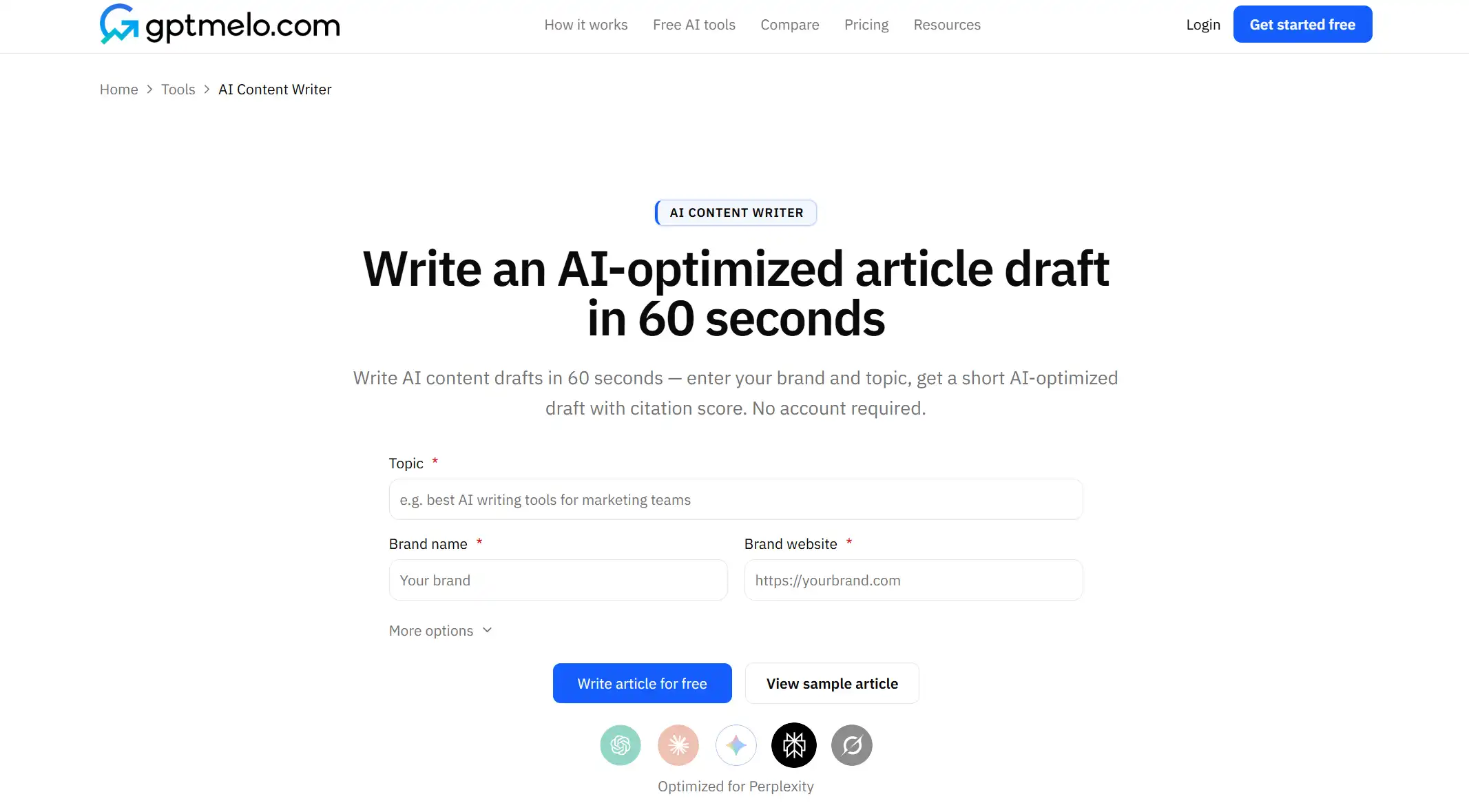
2. Write. Click Write article for free.
3. Read the result. You get a draft next to a GEO content score (Writing, Identity, Cite, Ship). The screenshot is a sample — yours follows Topic. Glance at Identity: does it still match the reader and brand from the brief? Use Copy HTML or Copy Markdown. The score is not a fact check.
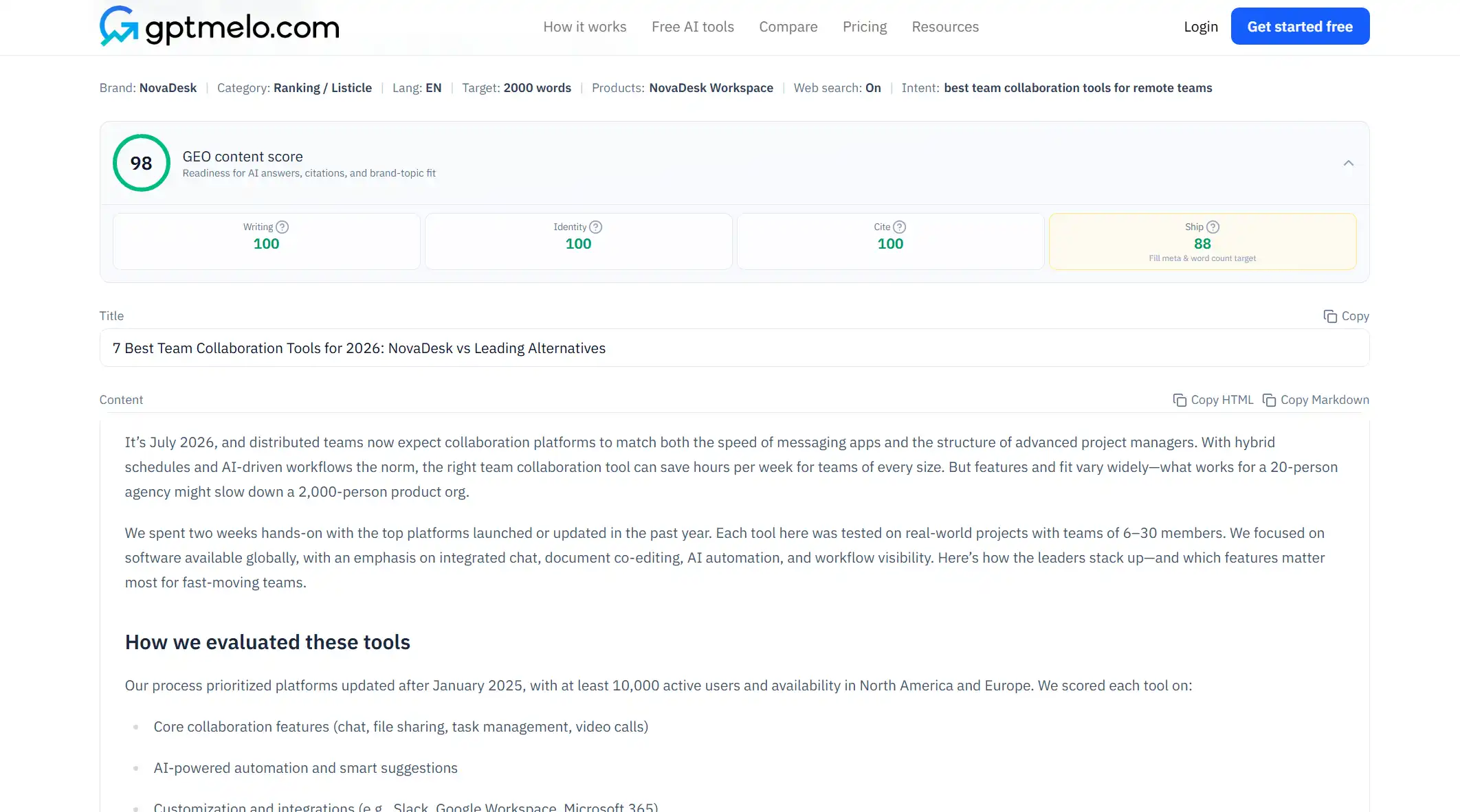
4. Edit, then put it on a URL. Read the draft before anyone else sees it. Do not treat this window as the live page.
The write-check-publish path is in GEO article writing.
FAQ
What is a content writing brief template?
A short form you fill before you write: who the piece is for, what they should be able to do or know, what format you will use, what proof you will include, and which facts must appear. Then you draft.
How do you use a content writing brief template?
Copy the table, fill every line in plain sentences, then draft. If a line is blank, do not start the body. Hand the filled brief to a teammate or paste it into a writing tool.
Is a content writing brief the same as a blog post template?
No. A brief decides the reader and the point before any outline. A blog post template is a heading structure for a post. Fill the brief first. The outline comes after.
Do I need a long creative brief?
No. Audience maps and keyword lists can wait. If you cannot name the reader and the point, a longer form will not save the draft.
Can I use this brief with ChatGPT?
Yes. Paste the filled lines first. Do not send “write content” with empty lines. Edit unsourced numbers after the model returns a draft.